04 · Station pilot
YellowShifts
A workday that runs with the station.
Workforce management for fuel stations: weekly scheduling, NFC-based attendance and hours reporting. Built for Paz stations in Israel and part of Darb. The repository is named PazShifts; the product is YellowShifts.
- Nour’s role
- Product engineering · Full-stack · Mobile systems
- Status
- Piloting at a working Paz station, where employees clock in by tapping a physical NFC tag at the counter. The newest scan flow is still awaiting on-site verification.
What is real today
Live
- Worker PWA at paz.darb.co.il and admin app at admin.paz.darb.co.il
- Scheduling, NFC attendance and hours reports in a station pilot
Not claimed
- The native Expo app is in progress, with no store release
- The demo on this page is a simulation and is not connected to any station or worker data
The problem
Station shifts are planned on paper or in group chats, and attendance is reconstructed afterwards. Hours reports become an argument instead of a record.
Staff work across stations, overnight and through holidays. Rules for overtime, breaks and night rates differ per station.
How it works
01
Attendance is physical and simple: tap the station’s NFC tag. The first scan starts the shift; a later scan asks for confirmation before clocking out.
02
An NFC scan is one Postgres function that validates the station token, checks for an open shift and inserts or closes the record in a single transaction. Constraints prevent overlapping shifts, even across stations.
03
Hours are calculated in one place — a shared reports package used by the worker app, the admin reports and the mobile app — and flagged records are listed for review instead of being guessed.
Try it
Tap the tag to start a simulated shift, then tap again to finish — the product always asks before clocking out.
Demo station · Thursday
Morning shift · 07:00–15:00
- 1. Scheduled
- 2. Clocked in
- 3. Clocked out
Simulation. Not connected to any station, worker or attendance data.
Selected capabilities
Weekly scheduling
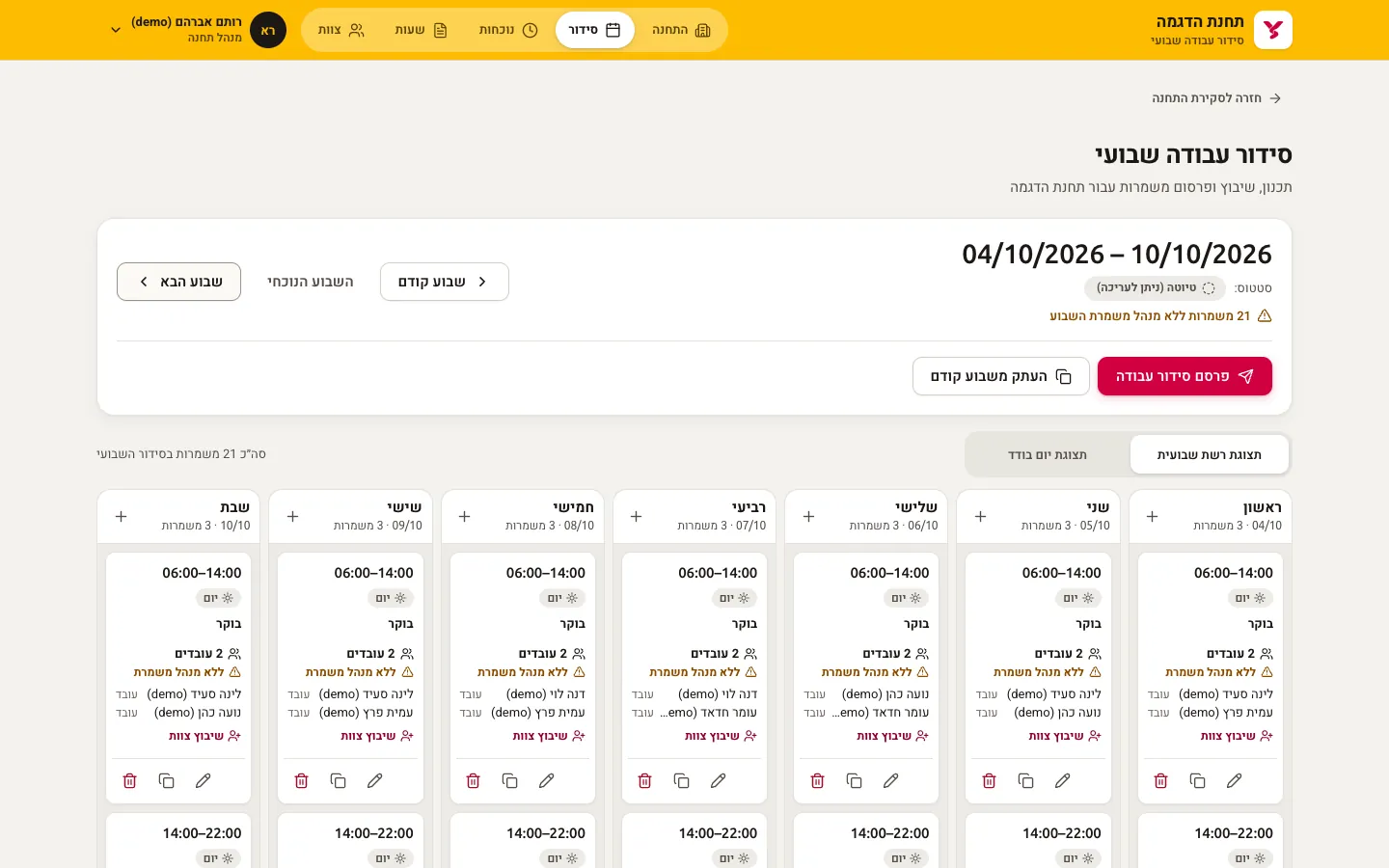
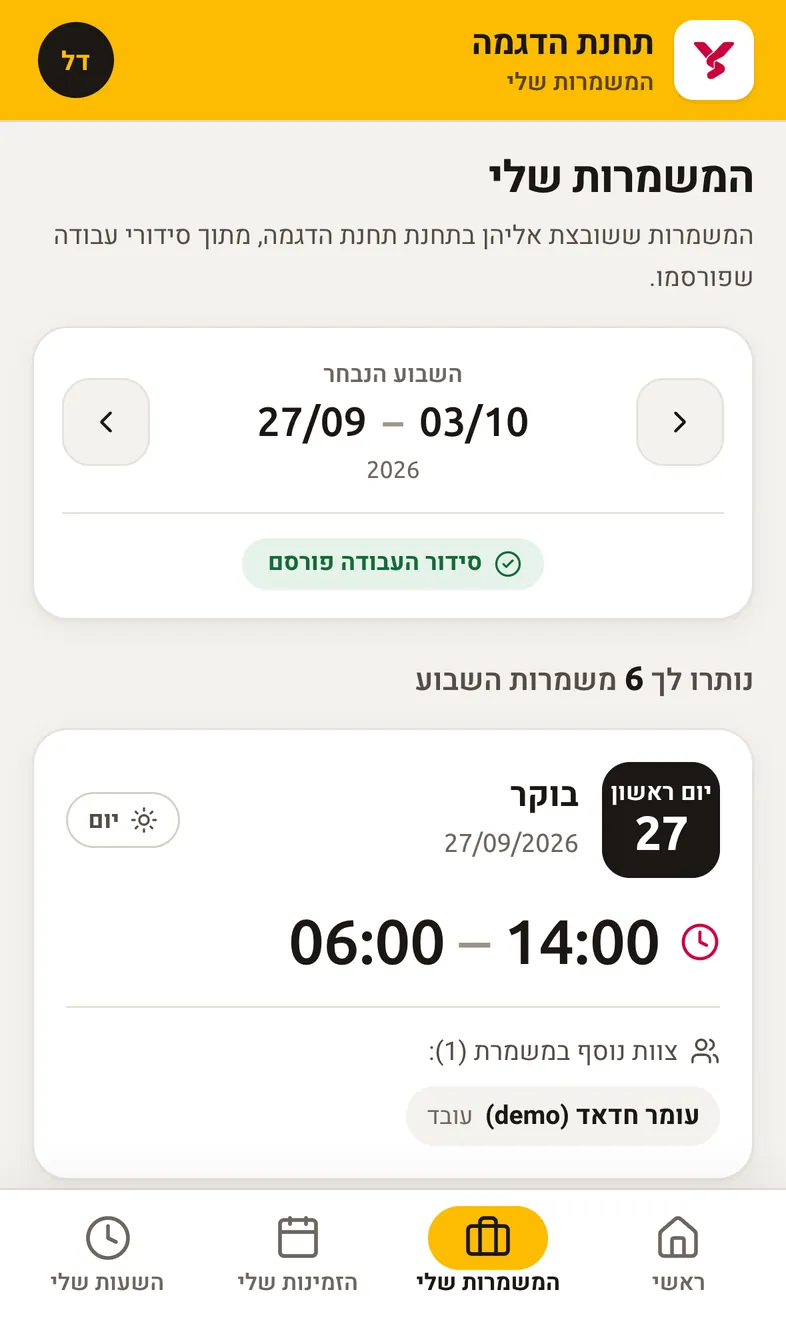
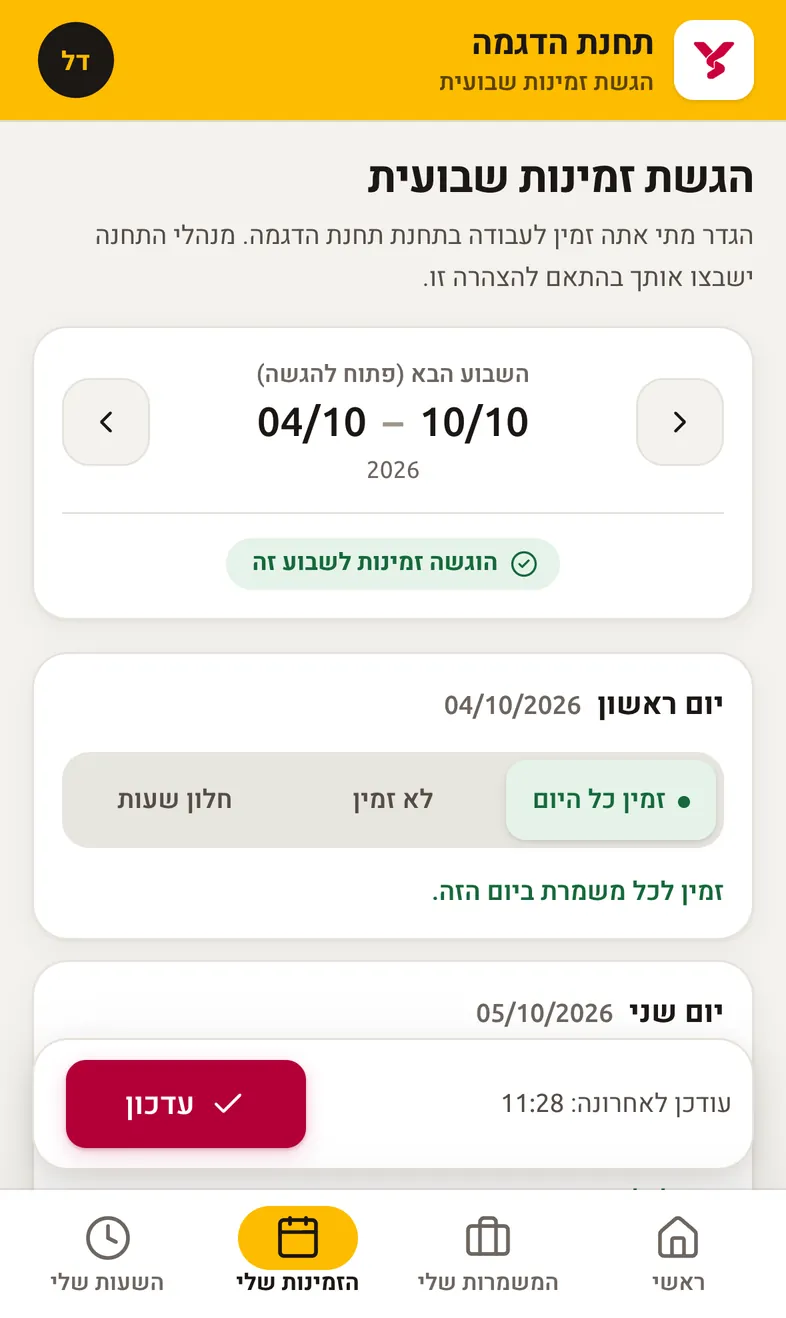
Schedules built from reusable shift templates and published to the team; workers submit availability for the coming week.
NFC attendance
Tap to start, tap again and confirm to finish. Exceptions such as missed check-outs are resolved with manual corrections that require a reason.
Hours reports
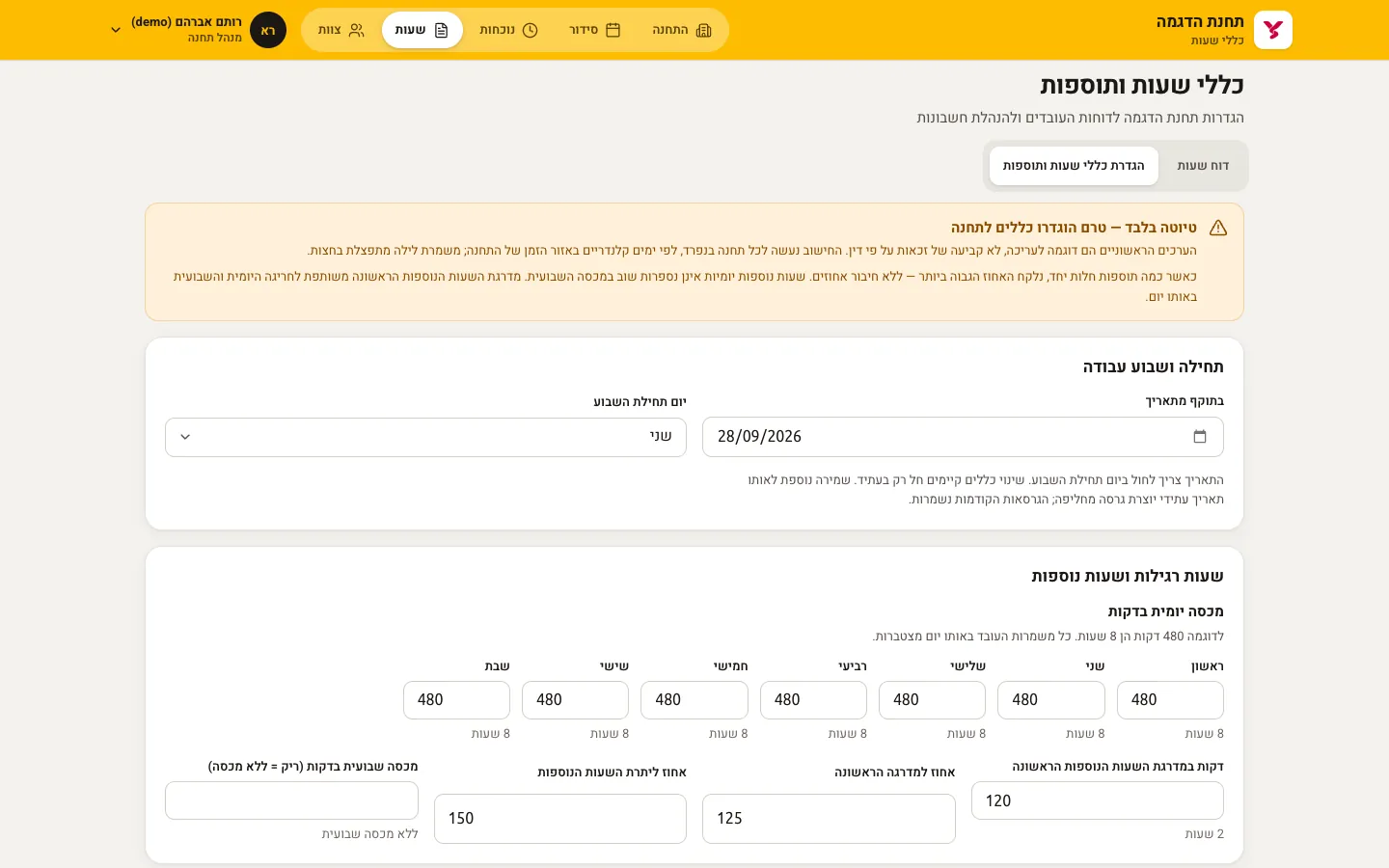
Per-station rules for overtime tiers and break deduction; PDF or CSV export, with CSV cells escaped so a name cannot run as a spreadsheet formula.
Database authorization
Every station-scoped table is protected by row-level security keyed on station membership and role.
Roles
Platform admins, station admins, shift managers and workers, from the same admin app on desktop and on the station floor.
Hebrew first
Right-to-left Hebrew interface with Heebo and Ubuntu, in the station’s own time zone.
Architecture
A Turborepo of two Next.js apps and an Expo app sharing one hours engine over Supabase.
apps/web
Worker PWA (Next.js): scan, schedule, availability, hours.
apps/admin
Station and platform administration (Next.js).
apps/mobile
Native worker app (Expo / React Native), in progress.
packages/reports
The single hours calculation and PDF/CSV export.
Supabase
Postgres, Auth, RLS policies and RPC functions; tested with disposable Postgres clusters.
- Next.js 16
- React 19
- TypeScript (strict)
- Supabase · Postgres · RLS
- Expo SDK 57
- Turborepo · pnpm
The live product
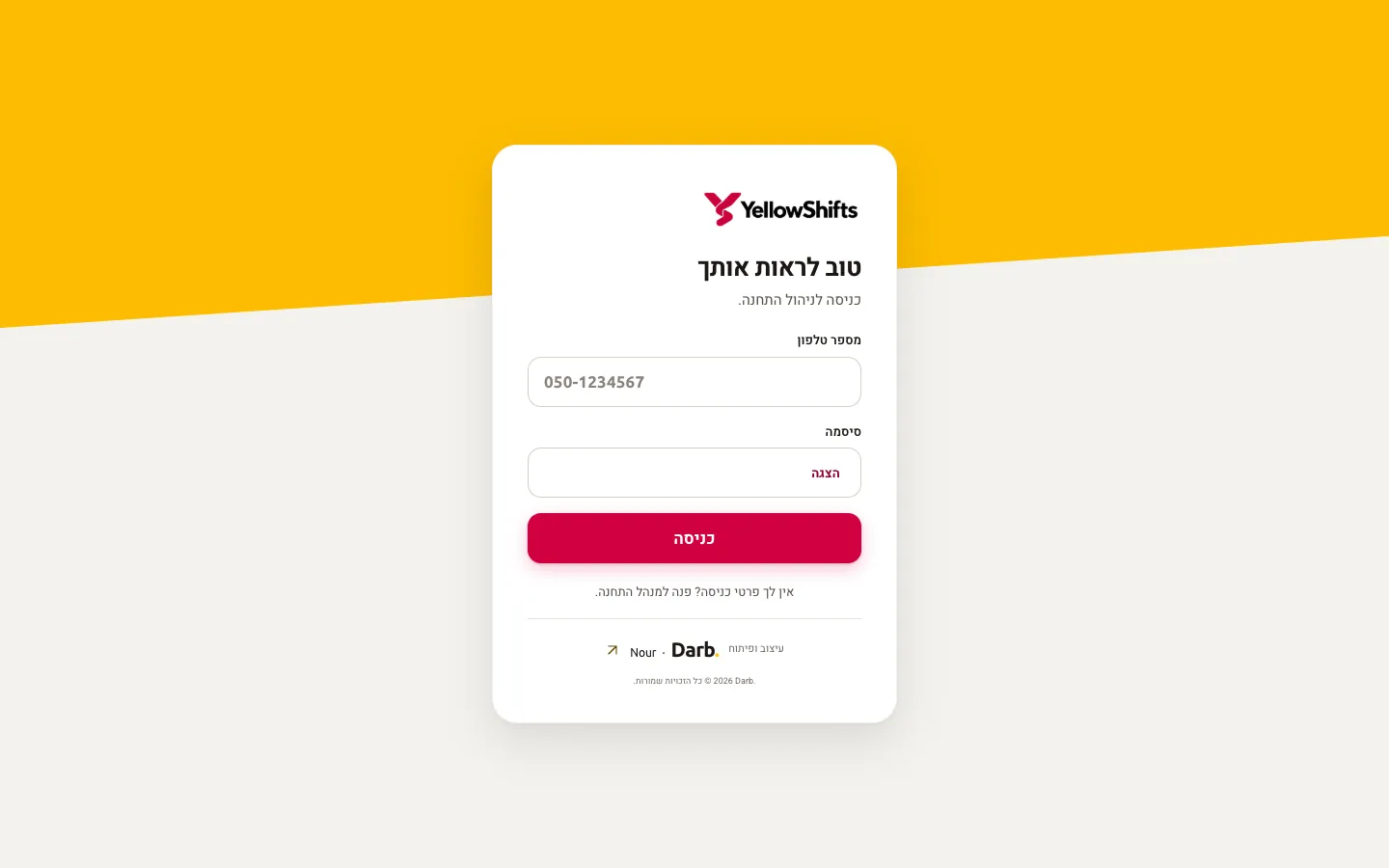
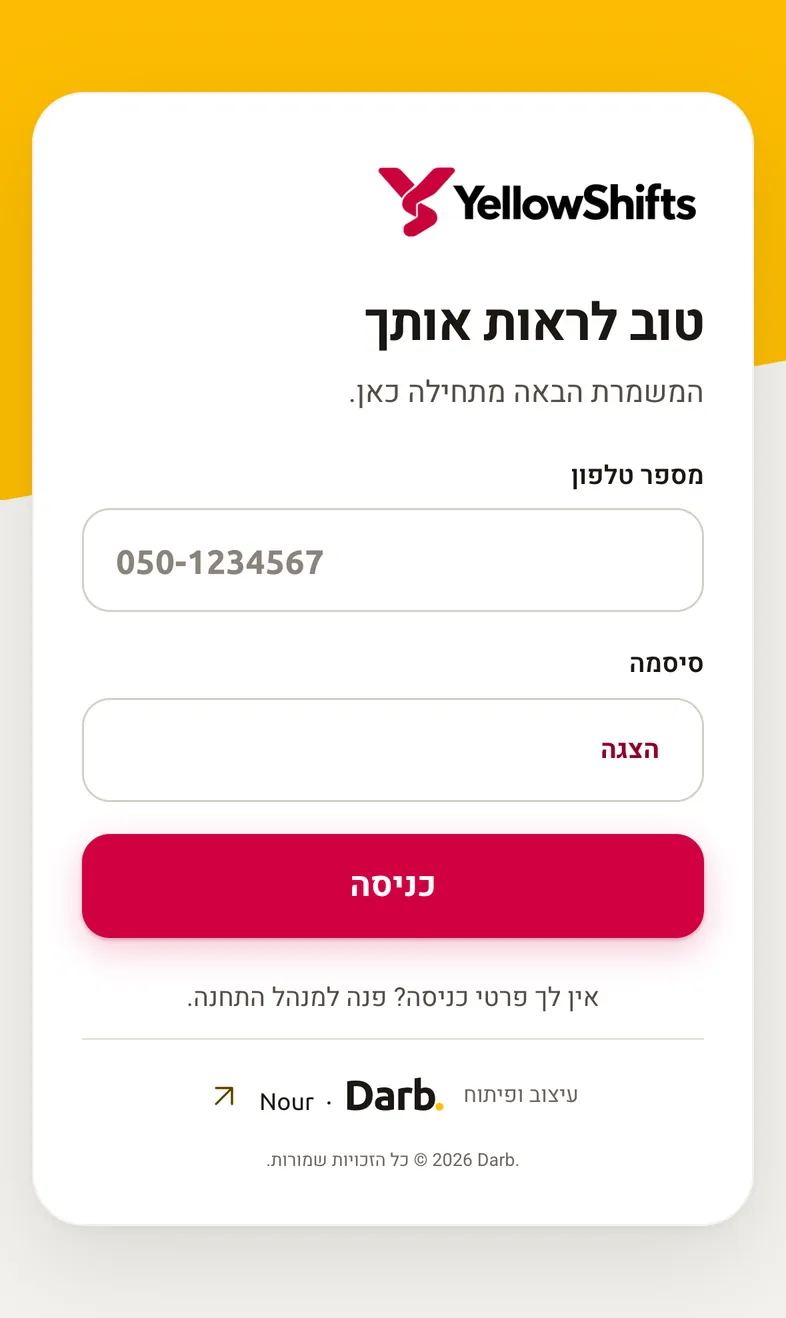
Captures of the public production pages, and of the app running locally from its own repository with fictional demo data. No real customer or staff data appears.
From the repository